Updated November 2026. We first wrote about SharePoint Premium when Microsoft announced it in November 2023. The names and the licensing have changed since then, so this post now explains what was announced and where those capabilities are today.
What Microsoft announced
Microsoft introduced SharePoint Premium as its advanced content management and experiences platform, and described it as the next evolution of Syntex, the AI-powered content services that help organize and process content. The original announcement grouped its features into three areas:
Content experiences: new ways to view and work with high-value documents such as contracts, invoices and orders.
Content processing: AI-driven automation to classify, tag, secure and translate documents, with services such as document processing, content assembly, optical character recognition and eSignature.
Content governance: tools to manage the content lifecycle and control access, including Data Access Governance insights that identify potentially overshared sites and content.
Microsoft described two licensing models at the time: pay-as-you-go for the content processing services, and per-user licenses for the content experiences and governance features.
What it is called now
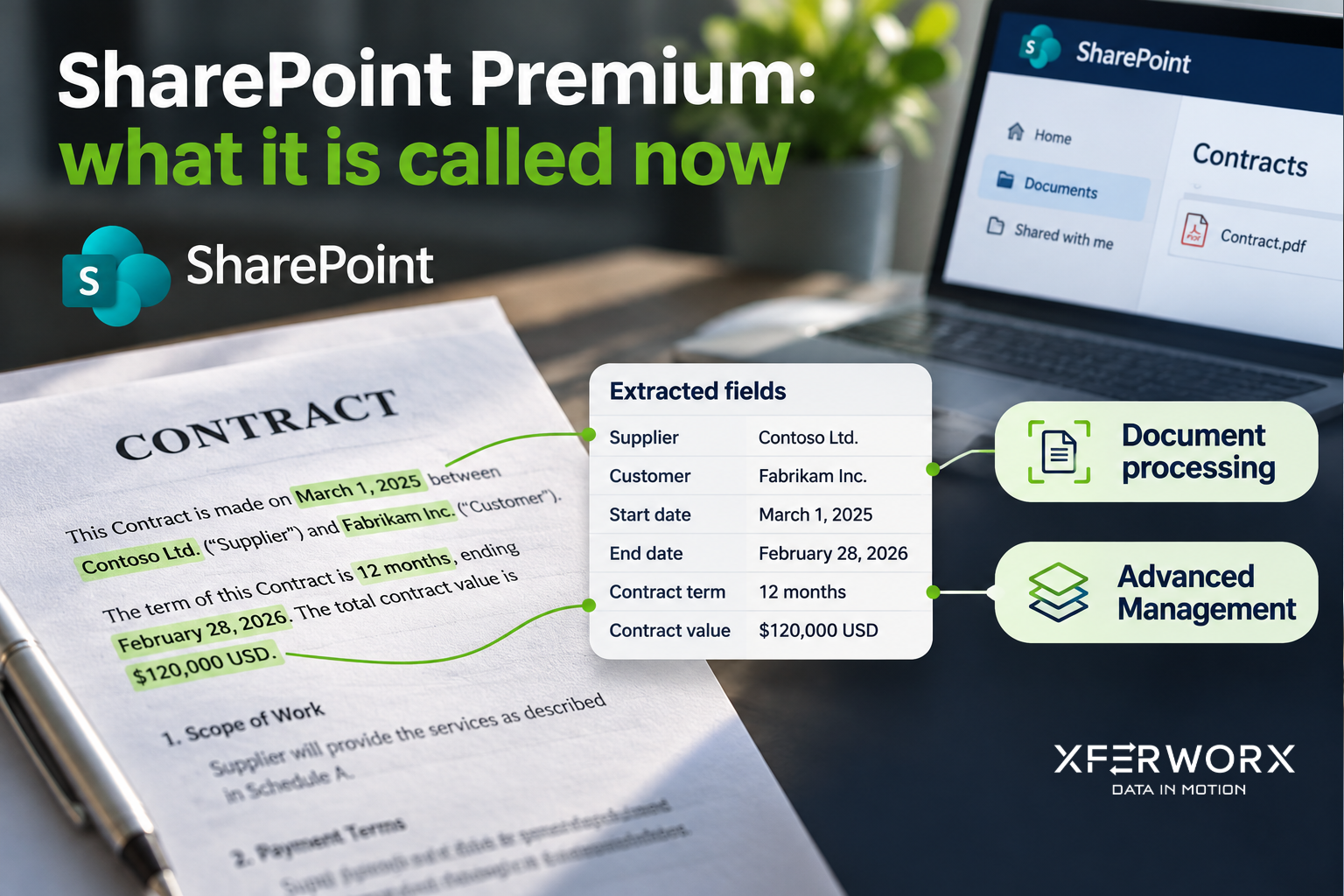
The capabilities are still there, but Microsoft’s documentation now covers them under different names. If you planned around SharePoint Premium, this is where to look.
Document processing for Microsoft 365
The content processing services are now documented as document processing for Microsoft 365. Microsoft states that the pay-as-you-go services previously offered under Microsoft Syntex are now referred to as document processing services, and that their features and functionality remain unchanged. The services include:
Autofill columns, which extract or generate information about files automatically
Document translation, eSignature and optical character recognition
Content assembly for standard documents such as contracts and statements of work
Image tagging and taxonomy tagging
Prebuilt, structured and unstructured models that extract information from contracts, invoices, receipts and other documents
These services need no license commitment or upfront purchase. Any user in your organization can use them, and you pay only when they are used, through an Azure subscription linked for pay-as-you-go billing.
SharePoint Advanced Management
The governance tools are now part of SharePoint Advanced Management, which gives administrators controls to manage content sprawl, manage the content lifecycle and prevent oversharing. The data access governance reports highlighted in the original announcement are found here.
SharePoint Advanced Management is available as part of Microsoft 365 Copilot or as an add-on. When an organization assigns at least one Copilot license, its SharePoint administrators get the SharePoint Advanced Management features that support a Copilot deployment. Some features require the separate add-on, so check the prerequisites for your licenses.
Microsoft 365 Archive and Microsoft 365 Backup
The announcement also pointed to Microsoft 365 Archive and Microsoft 365 Backup for managing storage costs and protecting content. Both are offered today as pay-as-you-go services.
What this means for your organization
Search under the new names. Guidance, pricing and admin settings are listed under document processing and SharePoint Advanced Management, not SharePoint Premium.
You can start small. Because document processing has no upfront license, you can set up pay-as-you-go billing and use a single service, such as eSignature or optical character recognition, where it helps most.
Governance comes first for Copilot. Copilot can surface anything a user already has permission to see, so reviewing oversharing before a rollout matters. Our post on getting ready for Microsoft 365 Copilot covers where to begin.
Check current pricing. Microsoft changes names, meters and included capacity over time, so confirm the details in its documentation before you plan a budget.
How XferWorx can help
XferWorx follows Microsoft’s announcements and explains what they mean for the organizations we work with. We help U.S. organizations put these services to work: automating document-heavy processes in SharePoint, and cleaning up permissions and content before a Copilot rollout.
If you want to talk through what fits your environment, contact us.
Frequently asked questions
Is SharePoint Premium still available?
The capabilities are still available, under different names. Microsoft’s documentation now covers the content processing services as document processing for Microsoft 365, and the governance tools as SharePoint Advanced Management.
What happened to Microsoft Syntex?
Microsoft states that the pay-as-you-go services previously offered under Microsoft Syntex are now referred to as document processing services, and that their features and functionality remain unchanged.
How is document processing for Microsoft 365 licensed?
It is pay-as-you-go. There is no license commitment or upfront purchase. Any user in your organization can use the services, and you pay only when they are used, through a linked Azure subscription.
Do we need to buy SharePoint Advanced Management separately?
Not always. It is available as part of Microsoft 365 Copilot or as an add-on, and some features require the add-on.