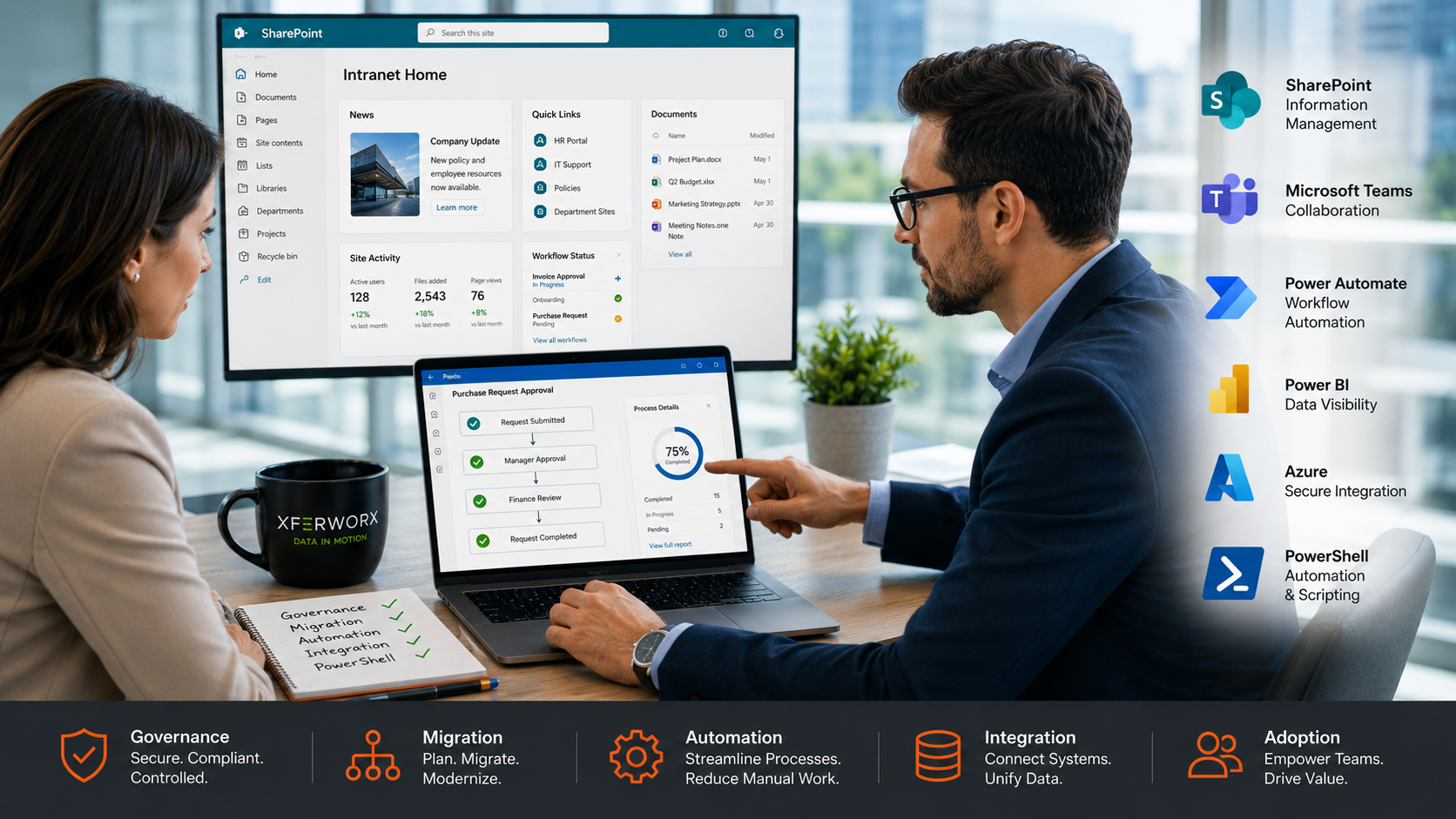
Understanding what to know about SharePoint consulting starts with recognizing that it is not just about technology. It is about aligning your systems with how your business actually operates. Many organizations adopt SharePoint but struggle to get real value from it because their setup does not reflect their workflows. That gap is where consulting makes a measurable difference.
What SharePoint Consulting Involves
When people think of SharePoint consulting, they often picture a one-time setup or migration. In practice, it covers much more. A consultant looks at how your organization stores, shares, and uses data across departments, then builds a system that supports those workflows.
This includes planning site architecture, organizing content, and designing processes that match how teams operate daily. Instead of forcing your business into a rigid structure, the system is shaped around your operations.
A well-executed consulting engagement also includes performance tuning and long-term planning so your environment does not become cluttered or inefficient over time.
Moving Beyond Basic Migrations
SharePoint migration is often the starting point, but it should not be the finish line. Simply moving files into SharePoint Online does not solve deeper issues like poor structure, duplicated data, or disconnected workflows.
A strong consulting approach focuses on:
Cleaning and structuring data before migration
Mapping out permissions and access properly
Building a logical information hierarchy
Planning for future growth
Without this level of planning, many organizations end up with a new platform that carries over old problems.
Automation and Workflow Optimization
One of the biggest advantages of SharePoint consulting is automation. Many businesses still rely on manual approvals, email chains, and spreadsheet tracking. These processes slow things down and increase the risk of mistakes.
Consultants design workflows using tools within Microsoft 365 that automate repetitive tasks. This can include document approvals, onboarding processes, or service request tracking.
The result is a more consistent and predictable way of working, with less back-and-forth and fewer delays.
Data Visibility and System Integration
Another key area is connecting systems that do not communicate well. Data often sits in different platforms like SharePoint, Azure SQL, or third-party tools, making it harder to access and use.
SharePoint consulting helps bring these systems together. Instead of searching across multiple locations, teams can access information from a central environment. This improves reporting, speeds up decision-making, and reduces duplication.
Better visibility also means leadership can act on real-time data rather than outdated reports.
Tailored Solutions vs One-Size-Fits-All Setups
Many off-the-shelf implementations fail because they do not reflect how a business actually works. SharePoint consulting takes a different approach by building solutions based on real workflows.
This includes:
Custom site structures
Role-based access control
Workflow configurations specific to departments
The result is a system that feels intuitive rather than forced, which improves adoption across teams.
FAQs
What does a SharePoint consultant do day-to-day?
They analyze your current setup, identify inefficiencies, design improved workflows, and implement solutions within Microsoft 365. They also provide guidance on structure, permissions, and automation.
How long does a SharePoint consulting project take?
It depends on the scope. Smaller optimization projects may take a few weeks, while larger migrations and system redesigns can span several months.
Is SharePoint consulting only for large companies?
No. Small and mid-sized businesses benefit just as much, especially if they lack in-house expertise or rely heavily on manual processes.
Start Building a Smarter SharePoint Environment
If your SharePoint setup feels disconnected or underused, it’s time to take a more structured approach. At XferWorx, we bring over 25 years of experience and have delivered 200+ SharePoint projects across industries, handling everything from complex migrations to long-term optimization.
Our Microsoft-certified team works across the full ecosystem, including Azure, Power Platform, and Teams, building solutions that connect systems and reduce manual work. We support everything from migration planning and automation to ongoing monitoring, troubleshooting, and after-hours support, so your environment stays stable and productive.