
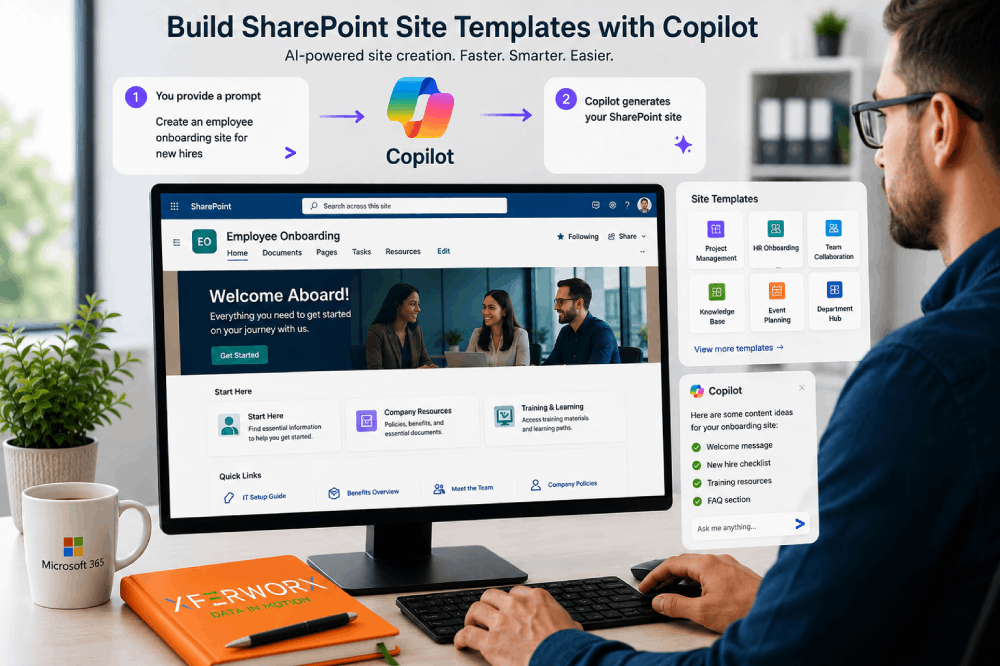
How To Use Copilot To Build SharePoint Site Templates
Learn how Copilot can build SharePoint sites and templates from a prompt, what it needs, and how to avoid site sprawl with simple governance.
Blog
Practical guidance on SharePoint, Microsoft 365, Power Automate and Copilot from the XferWorx team: migrations, automations and getting more from what you already own.
Answers for SharePoint and Microsoft 365. Search for your question, filter by topic, or start with the essentials.
Learn how Copilot can build SharePoint sites and templates from a prompt, what it needs, and how to avoid site sprawl with simple governance.

XferWorx explains SharePoint Server 2016 and 2019 end of support and migration considerations for your business. Plan your next steps.
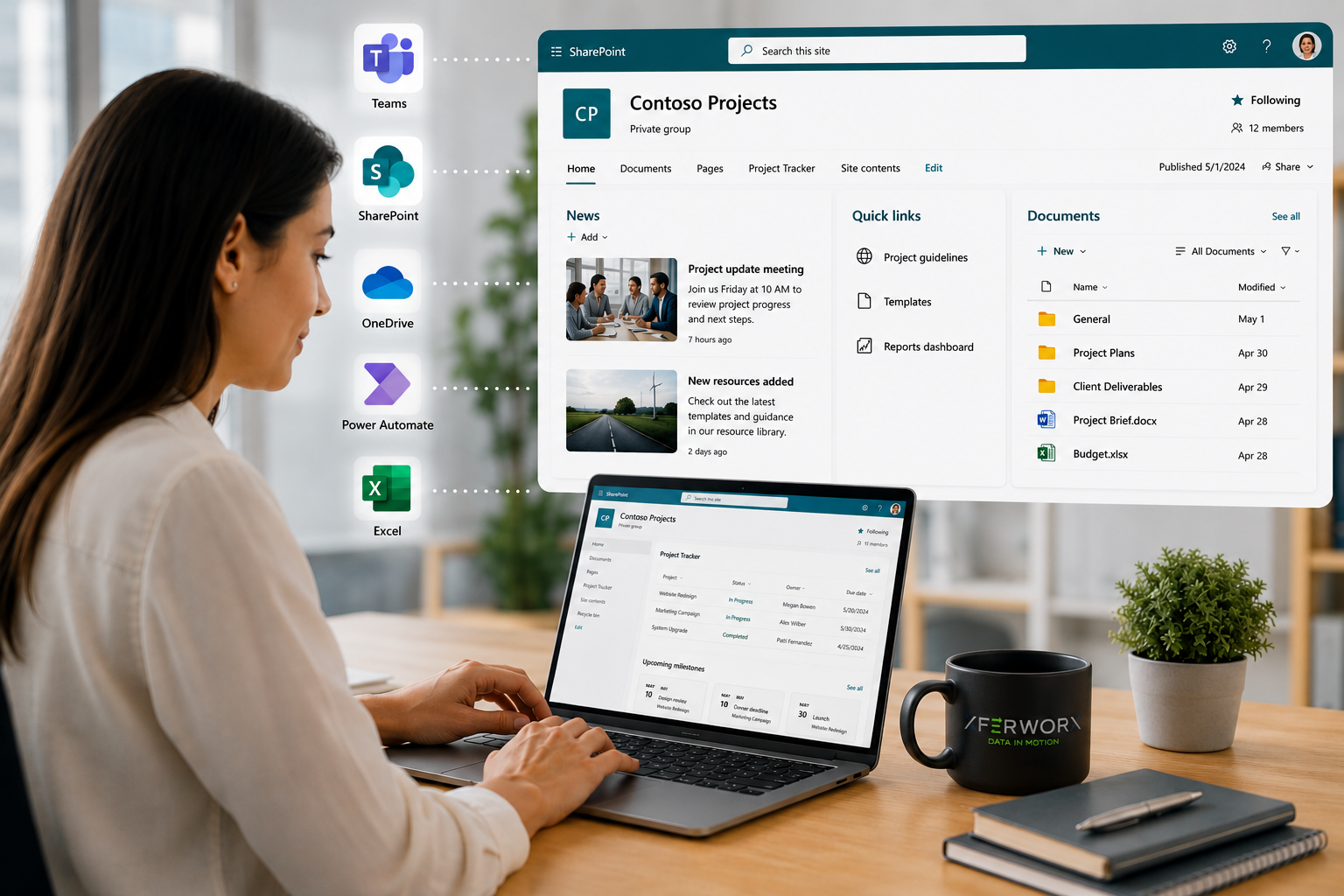
Is SharePoint easy to learn? Discover what makes SharePoint intuitive, where challenges appear, and how the right strategy shortens the learning curve.
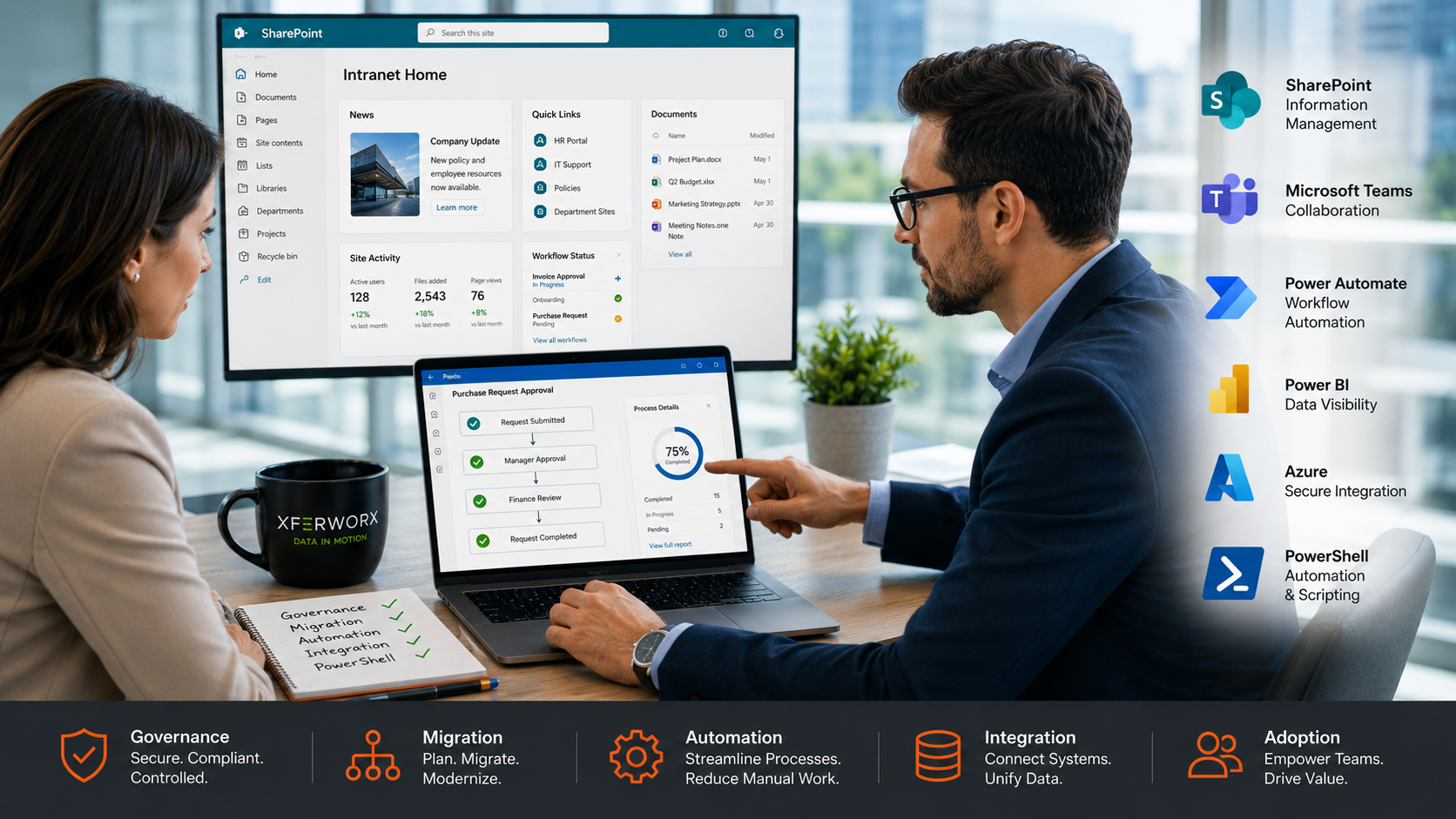
Learn what to know about SharePoint consulting, including strategy, migration, automation, and how it helps streamline business systems.
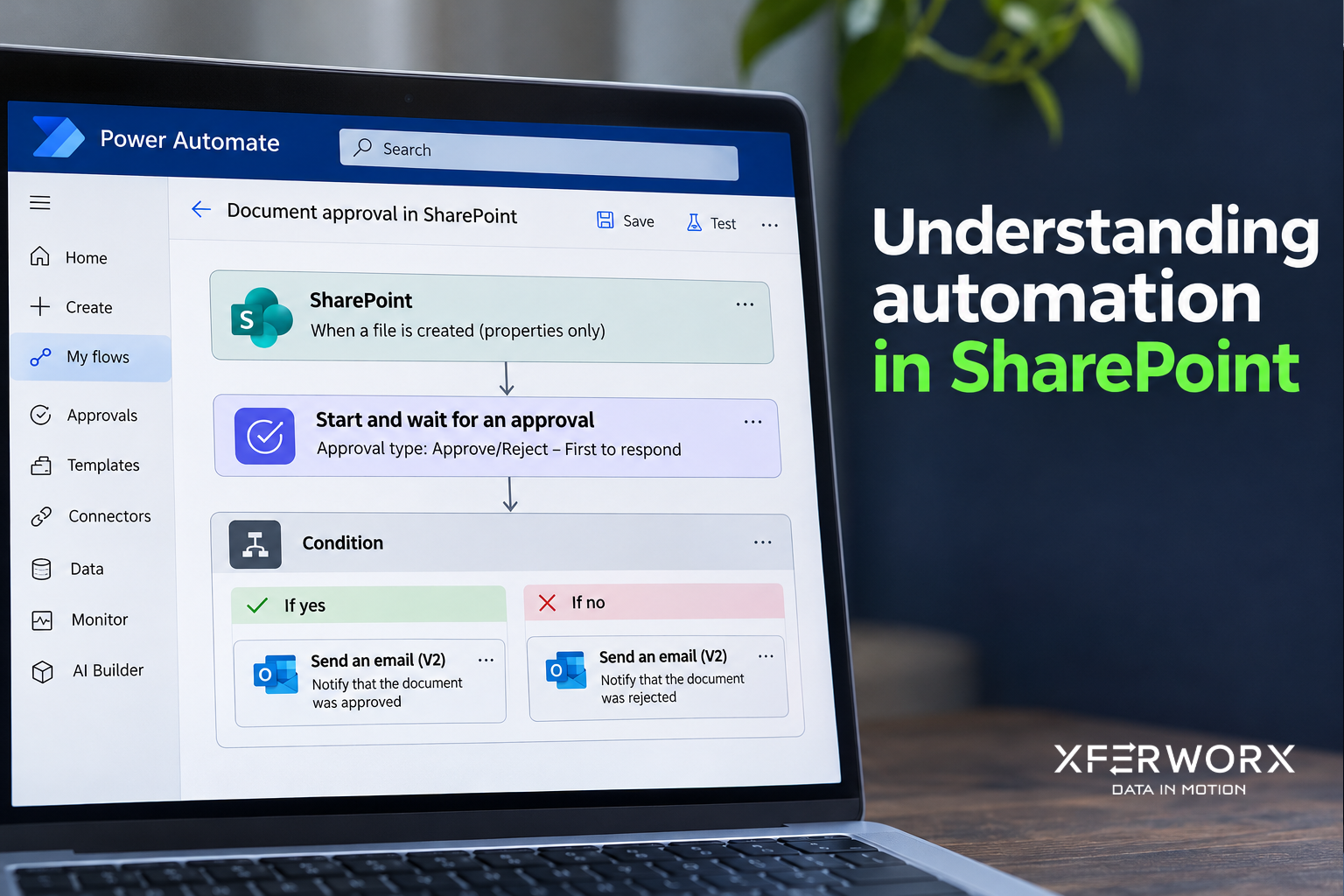
Learn how SharePoint automation streamlines workflows, reduces manual work, and connects systems for better data flow and productivity.
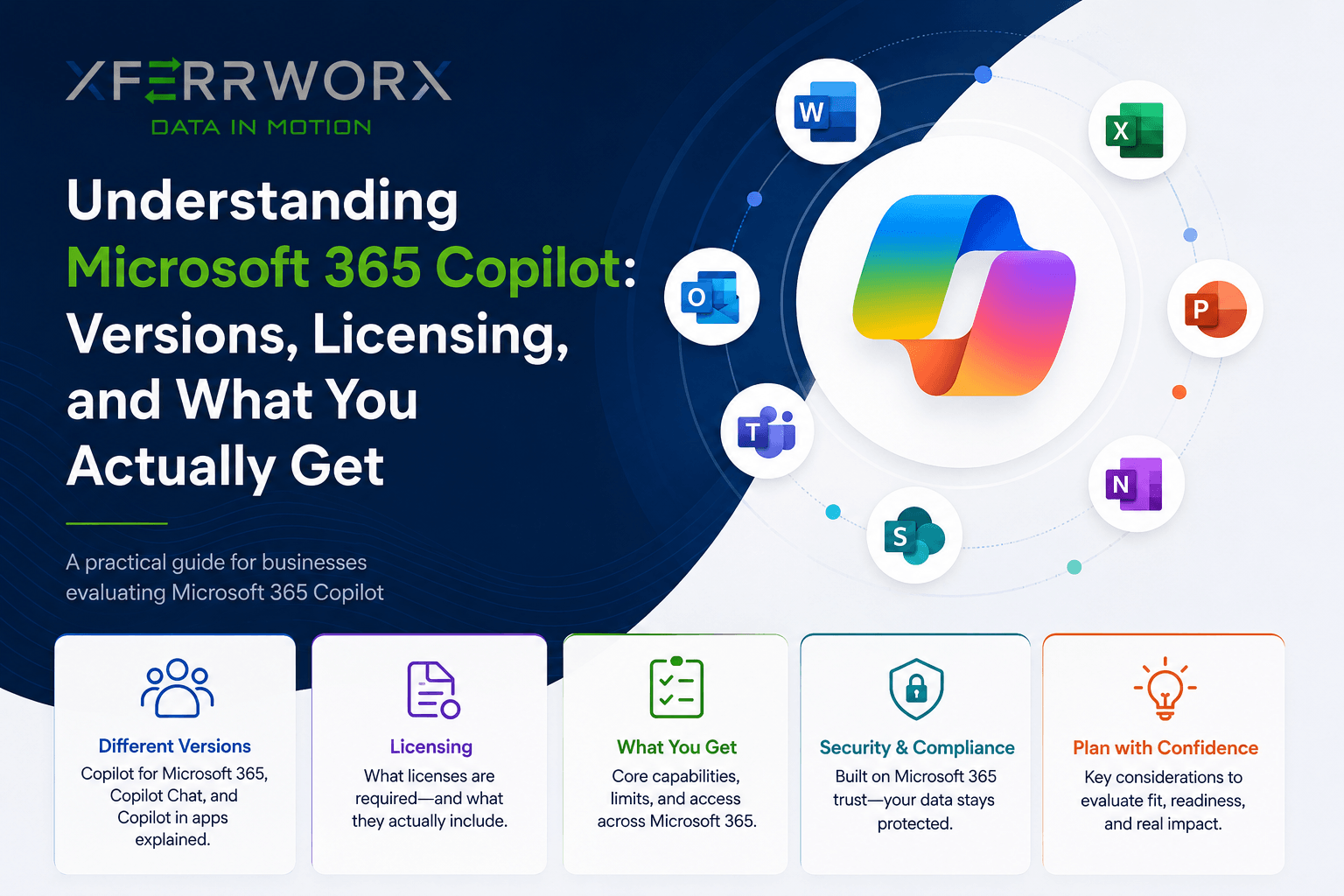
Microsoft 365 Copilot gets confusing fast. Break down the versions, licensing tiers, and what each one actually gives your organization before you buy.
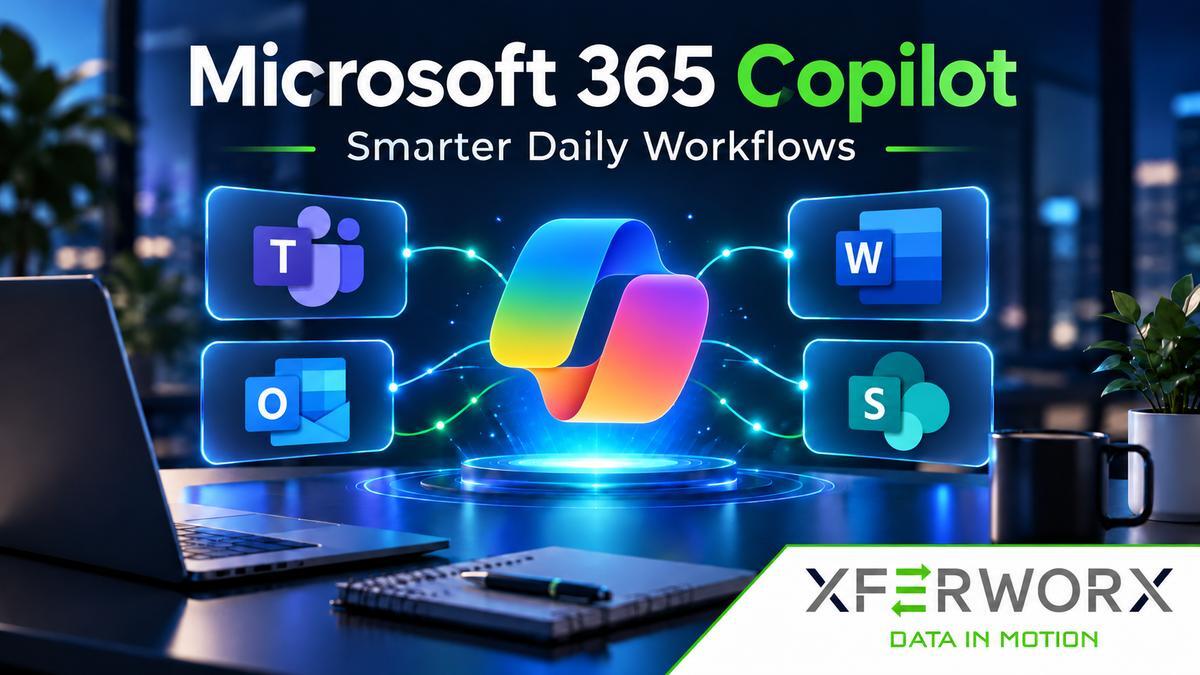
Explore Microsoft 365 Copilot features for meetings, email, drafting and search, plus the Microsoft 365 Copilot requirements IT teams should settle first.
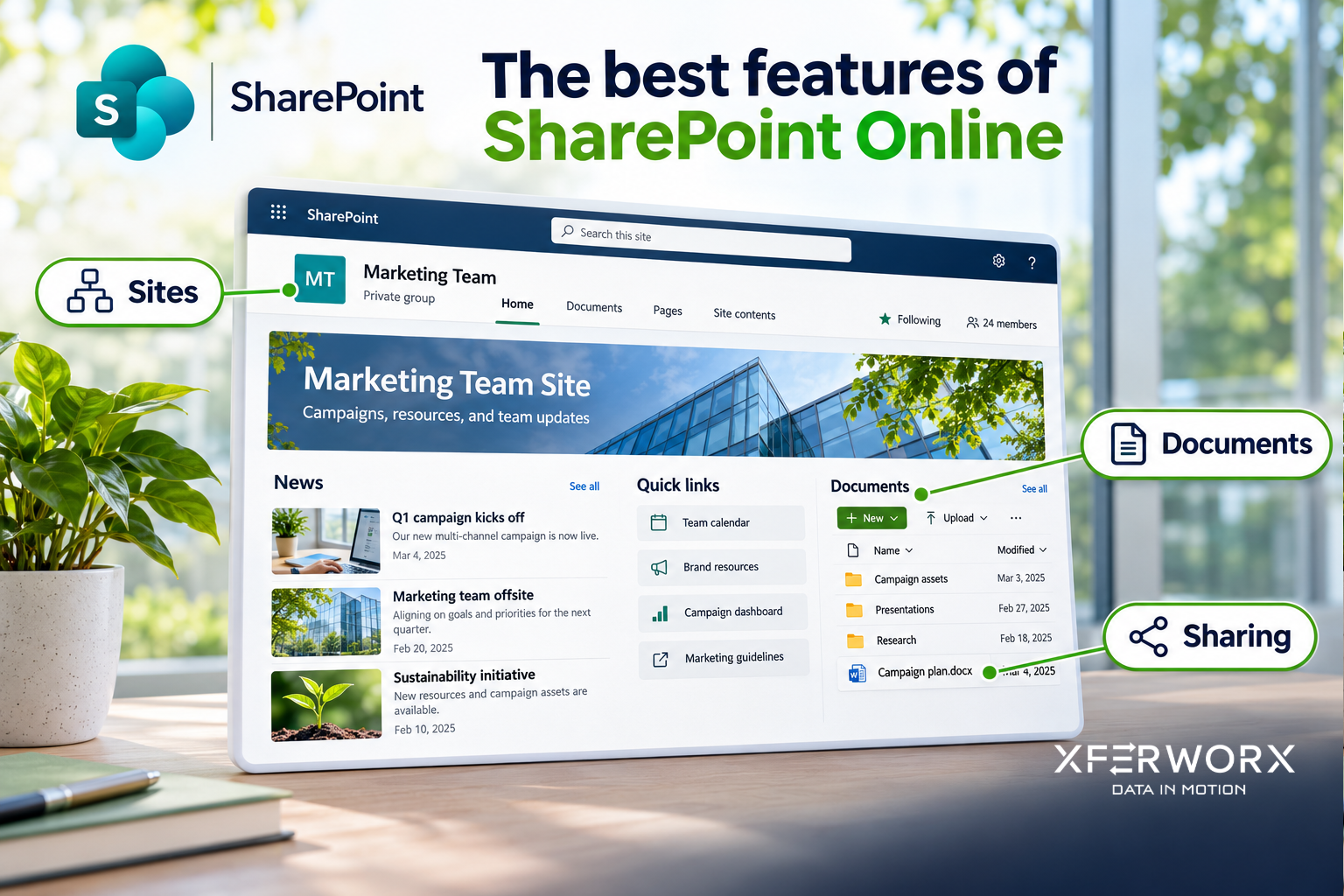
Examine SharePoint online features that support collaboration, automation, and governance when planned and deployed by experienced professionals.
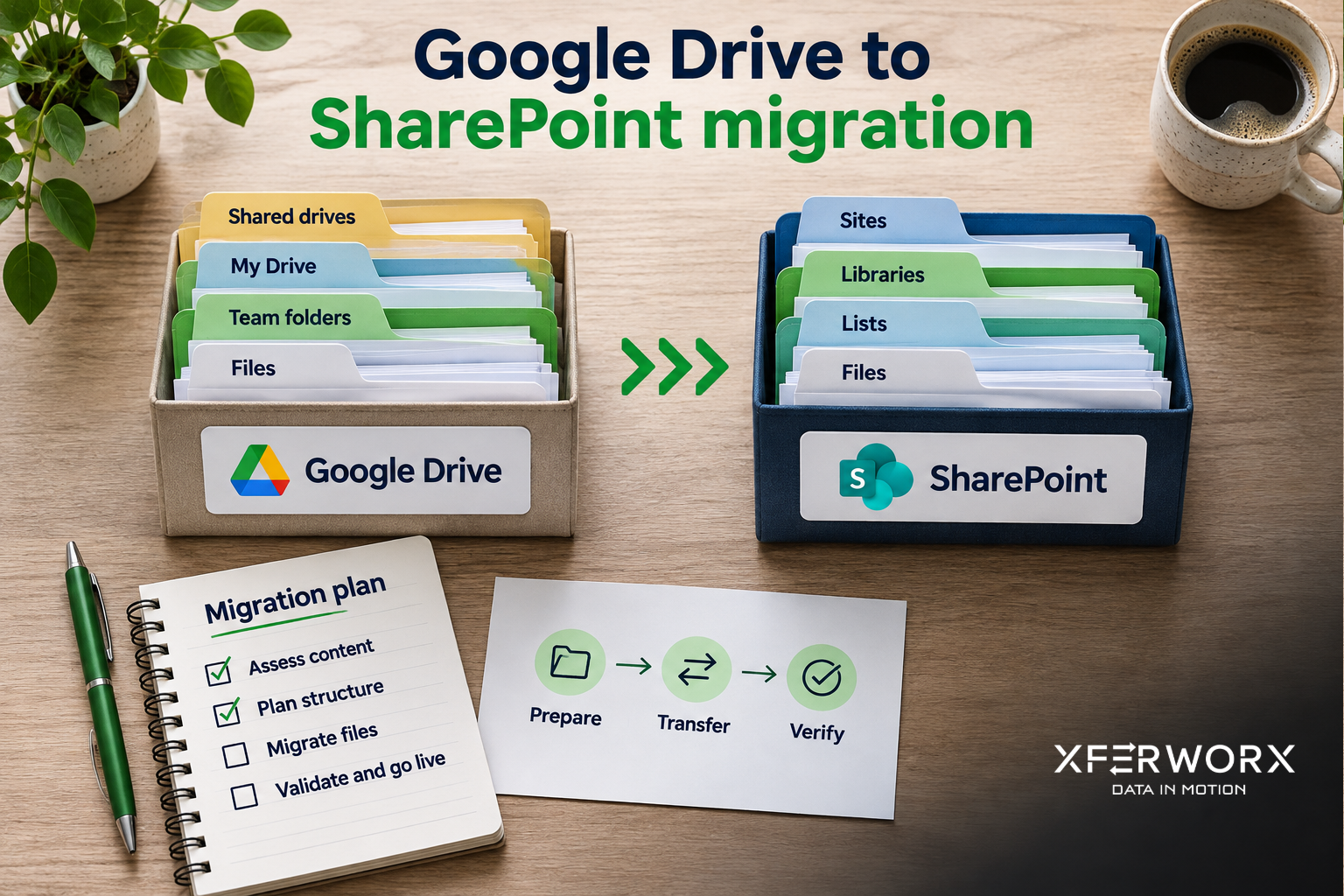
Google Drive to SharePoint migration strategies support governance, collaboration, and long-term success through expert execution.
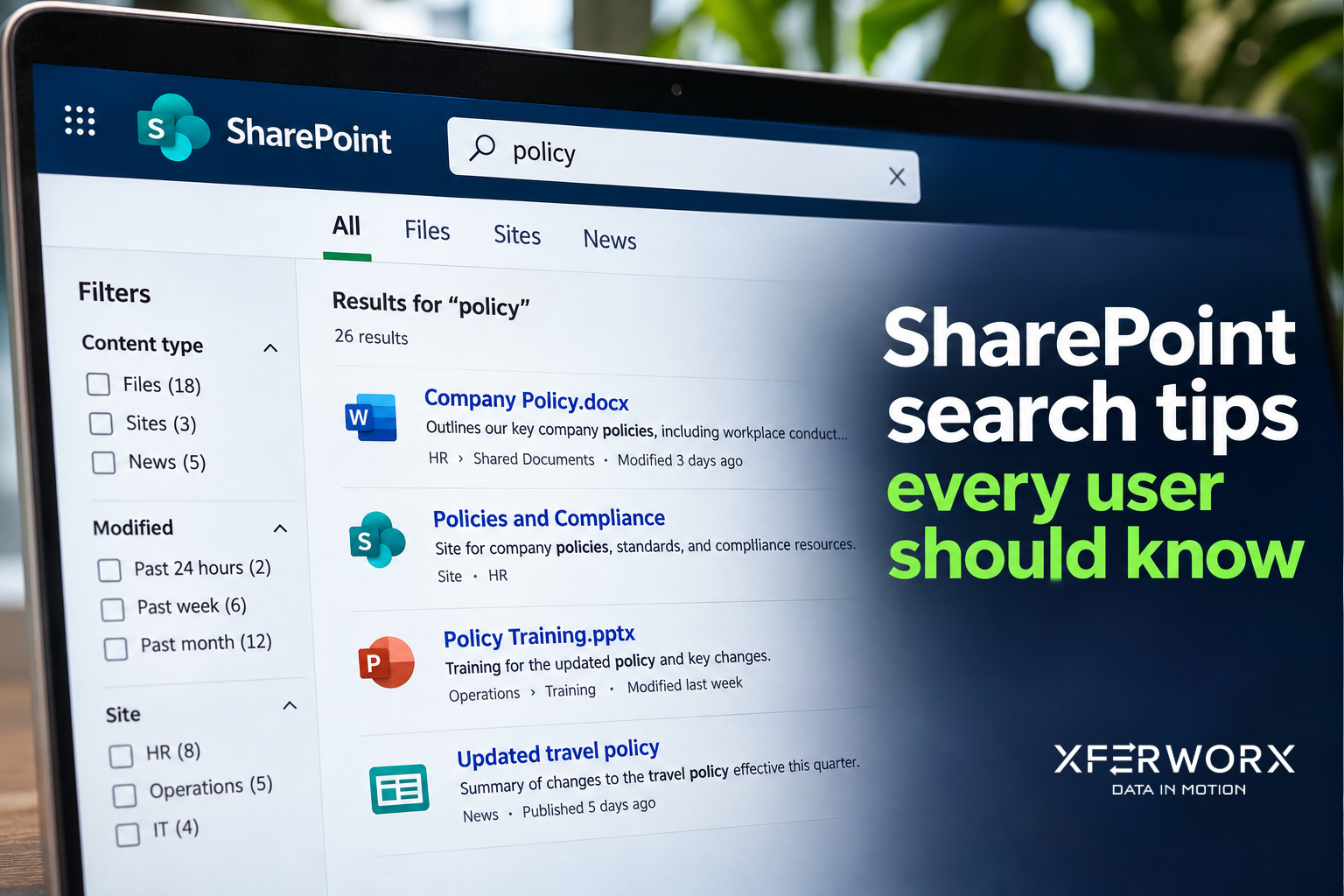
Practical SharePoint search tips: how indexing works, using filters and metadata, and why a file may not show up in your results.